GamiPress
Rank
Showcase your GamiPress ranks in a nice and elegant fashion! All of them show the users what steps are needed in orden to unlock the next rank!
Required Fields
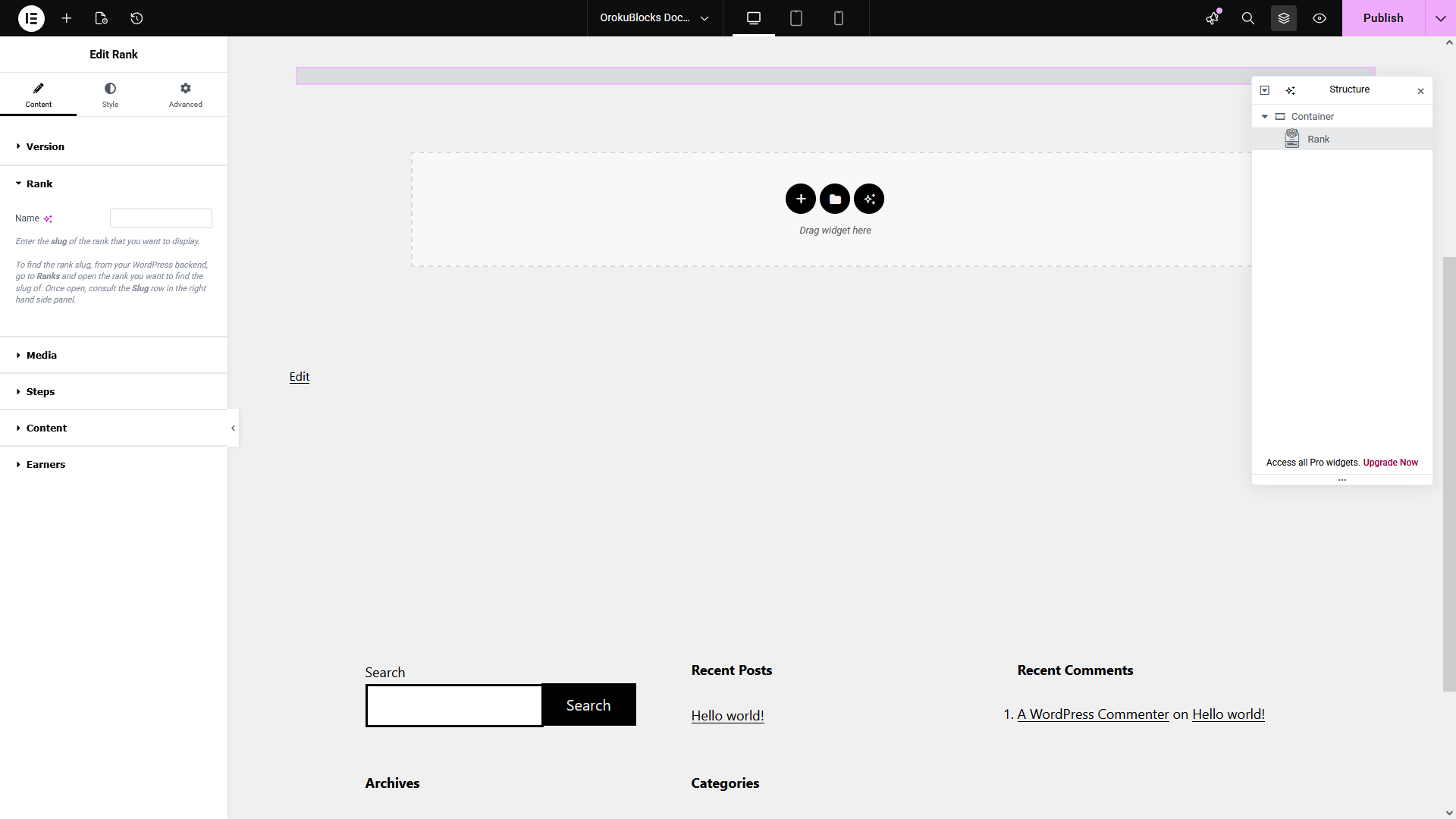
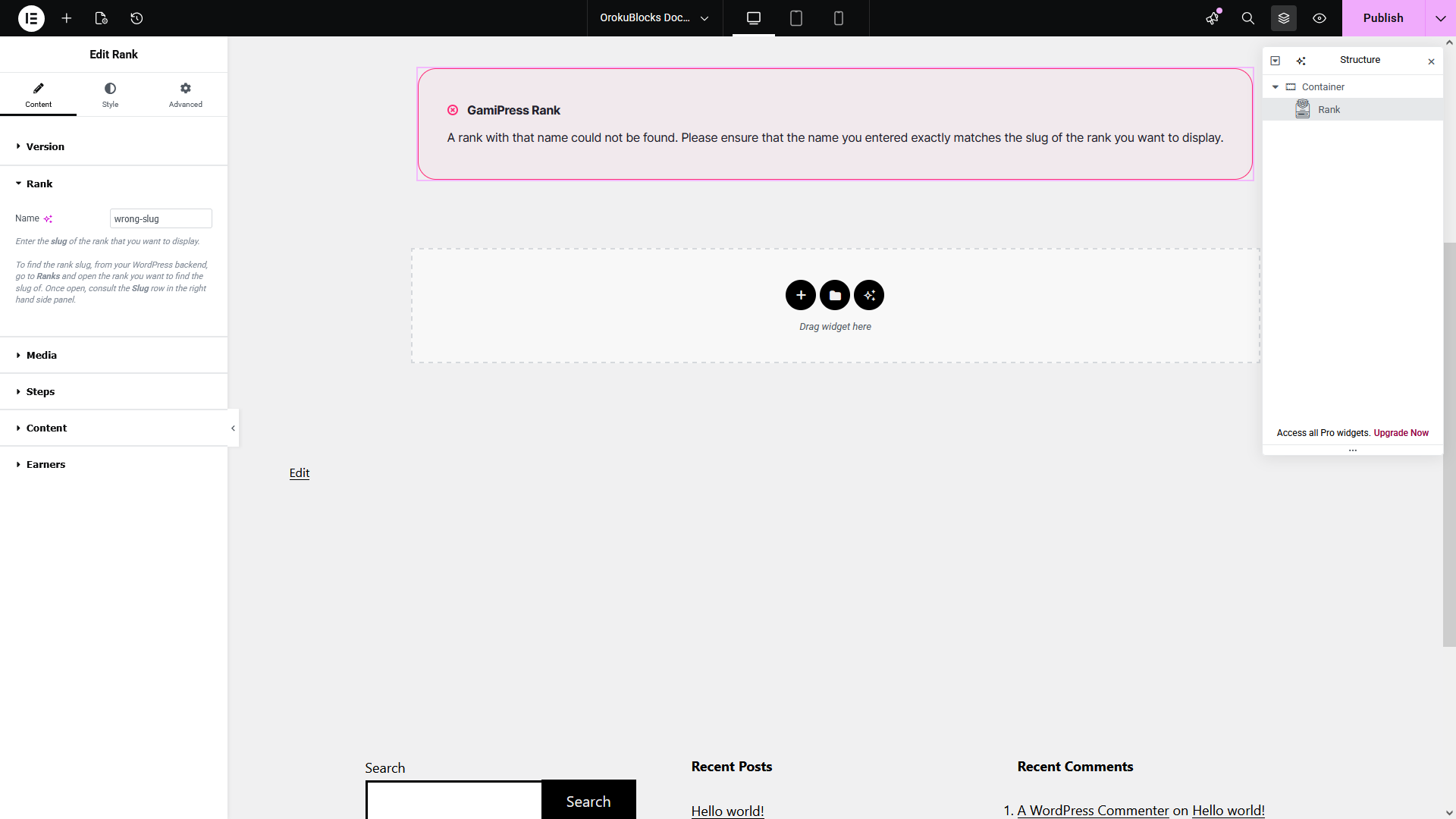
The widget requires you to provide the slug of the rank you want to display:
- Open the Rank options group
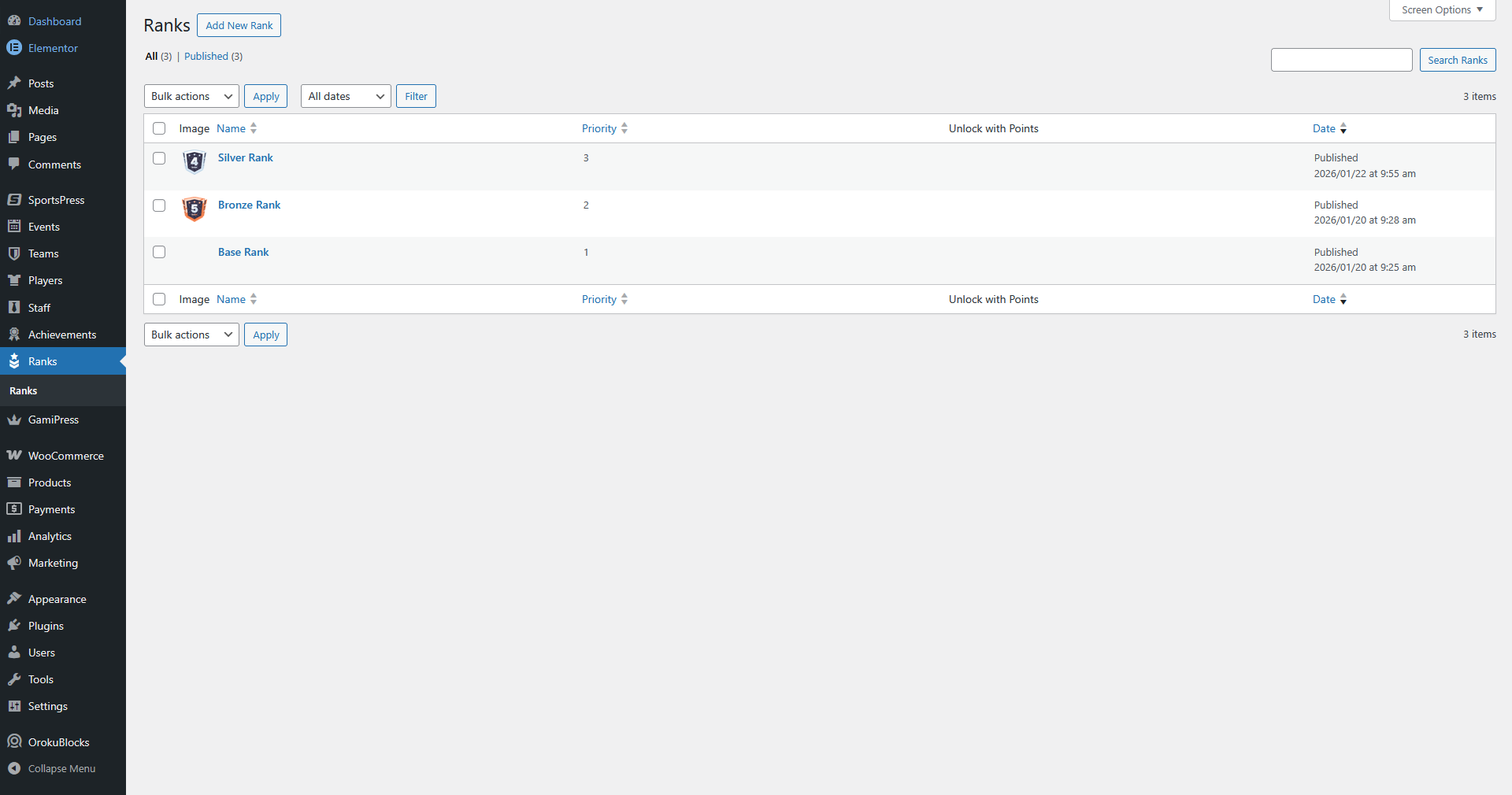
- From your WordPress dashboard, go to Ranks
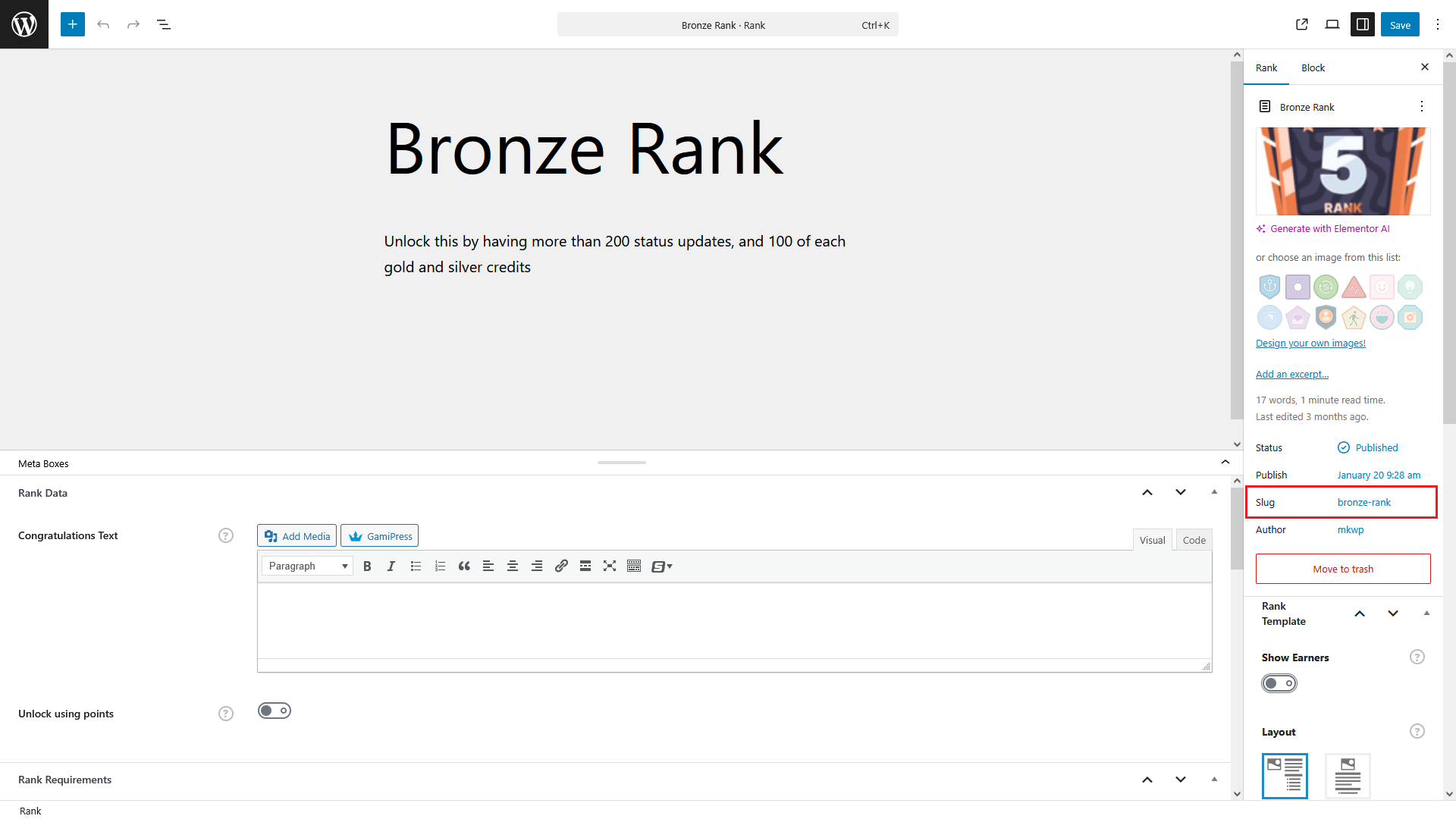
- Open the rank you want to find the slug of
- Consult the Slug row in the right hand side panel
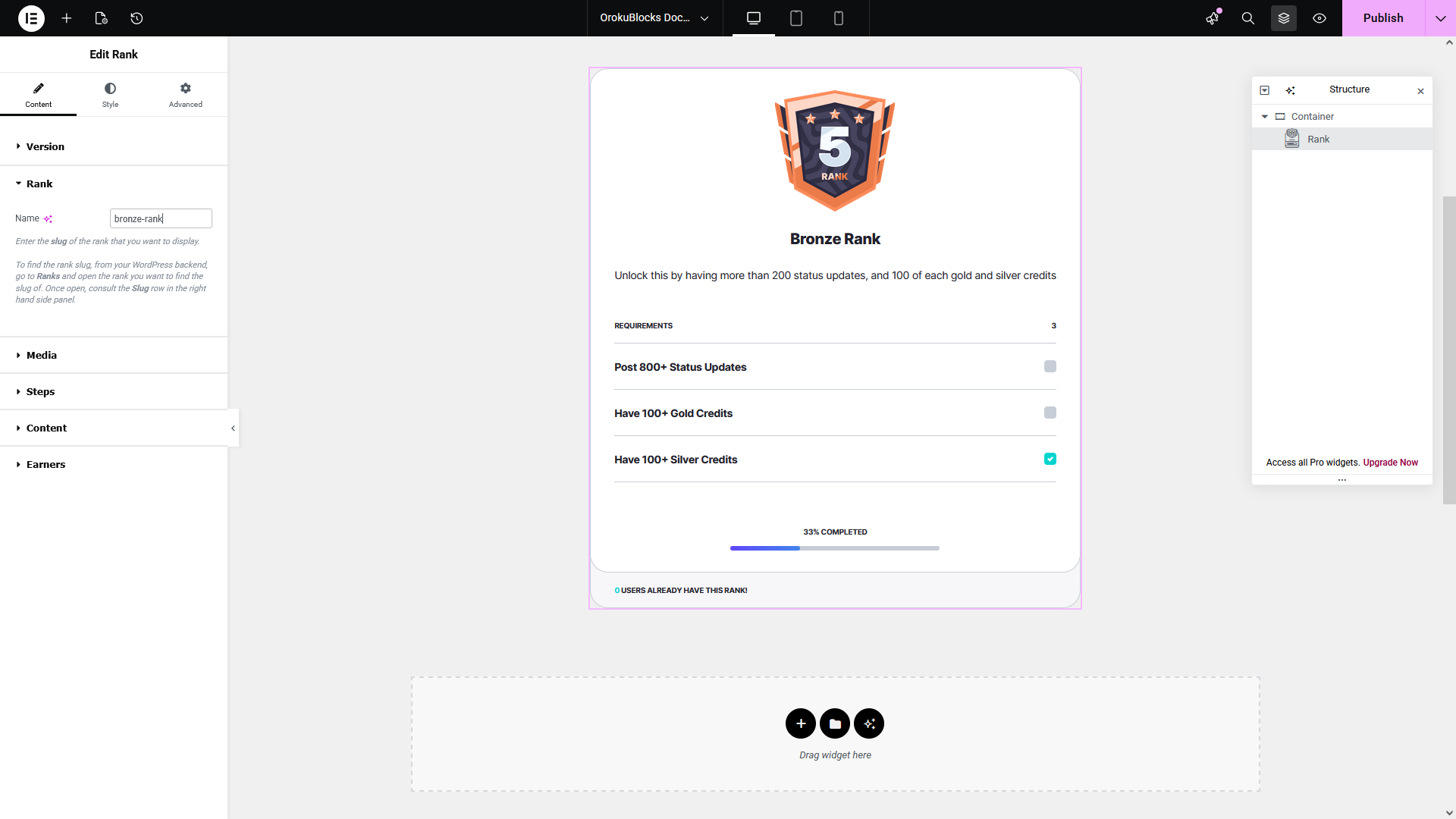
- Go back to your widget
- Enter the rank slug in the Name field
- If you enter the value incorrectly or the rank doesn't exist, an error message will be displayed
Options
Widget customization
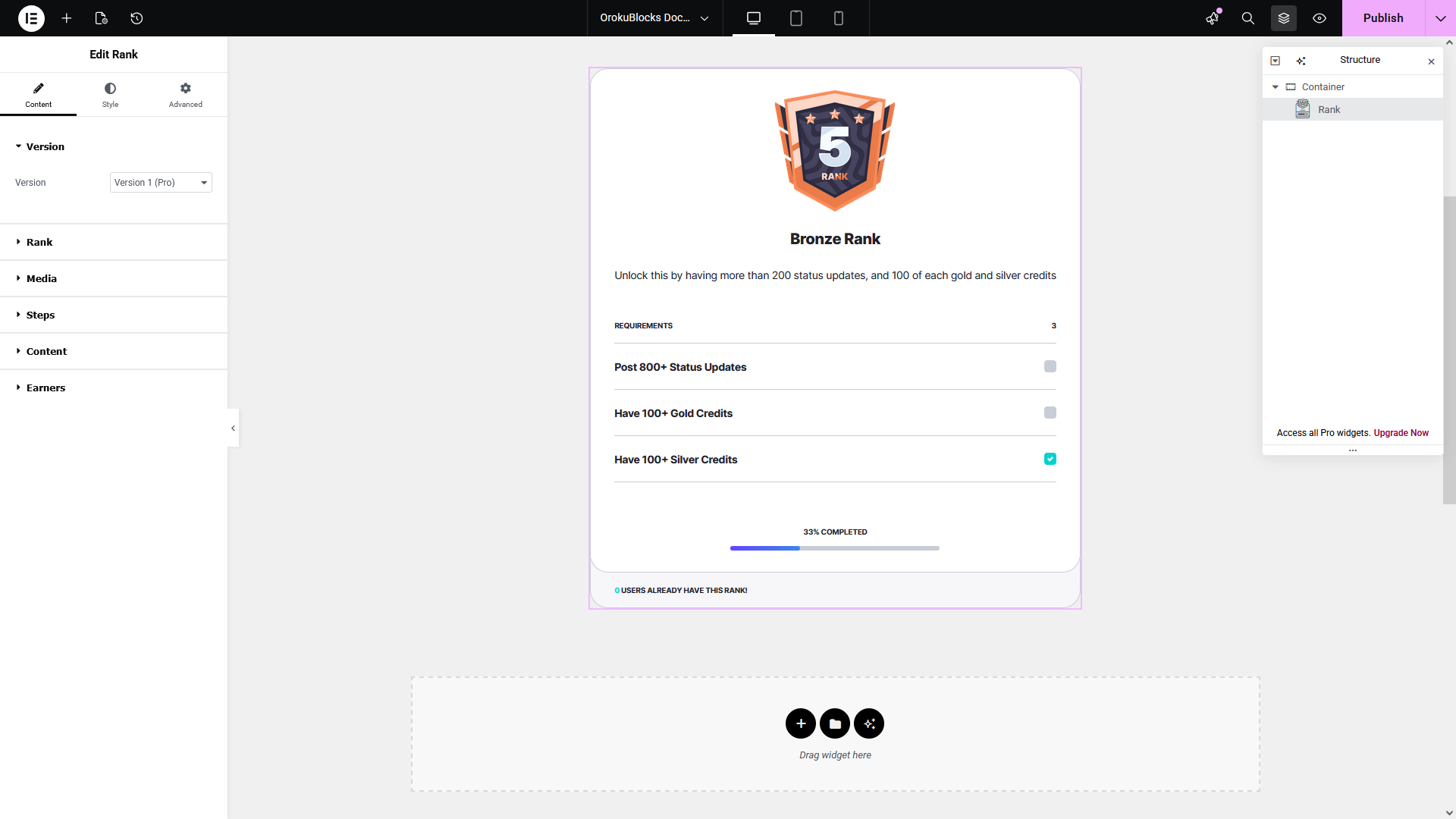
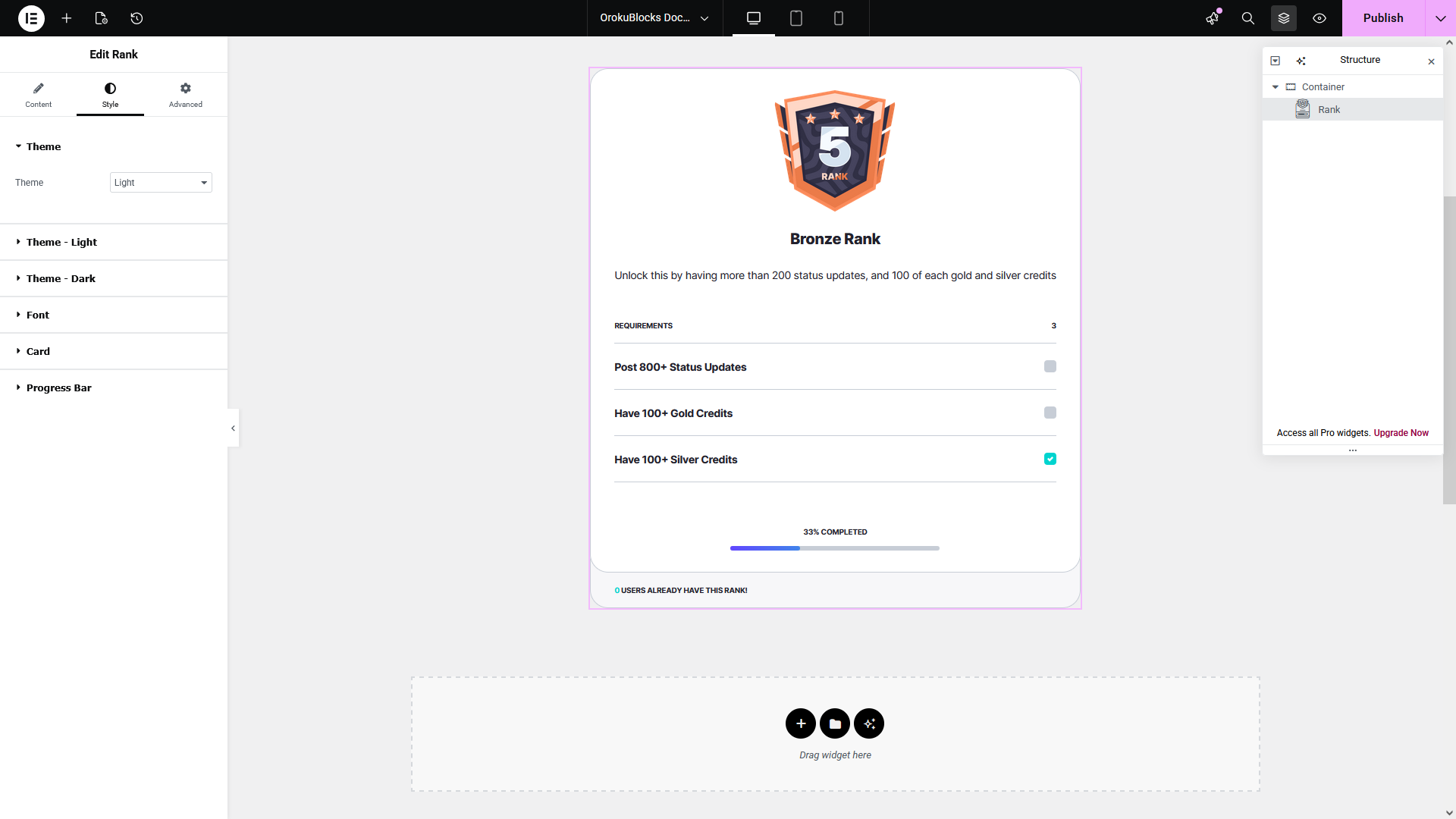
In the following section you can see a preview of how this widget and its option categories and groups display on the Elementor page builder.
Content
Style
Demo
We have a demo of this widget for each of its versions that also includes controls for changing between the light and dark theme variants.