SportsPress
Player Card
This is the perfect way to showcase your SportsPress team players in a cool looking trading-card fashion. Showcase the player image, team, metrics and more!
Required Plugins
Required Fields
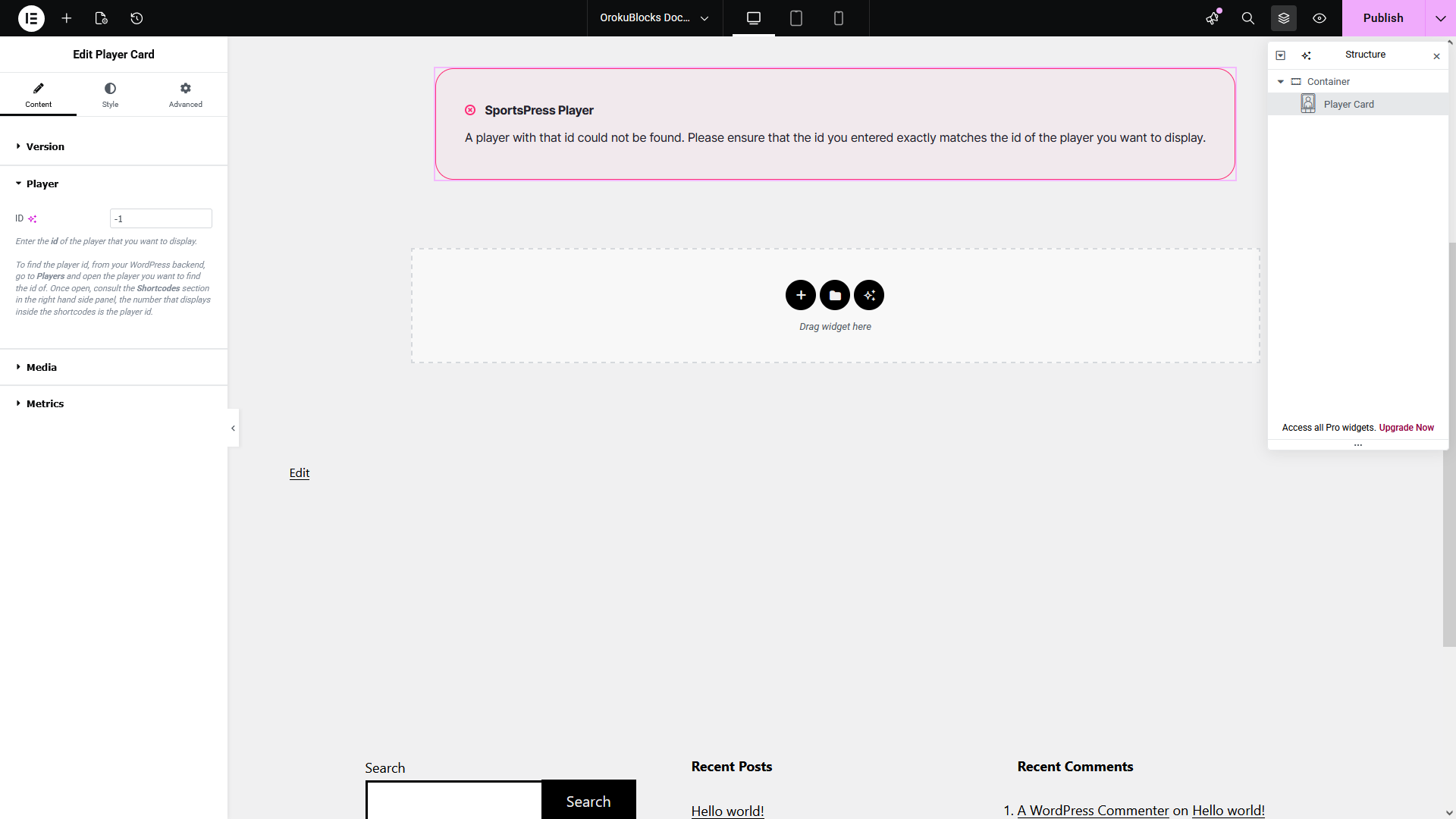
The widget requires you to provide the id of the player you want to display:
- Open the Player options group
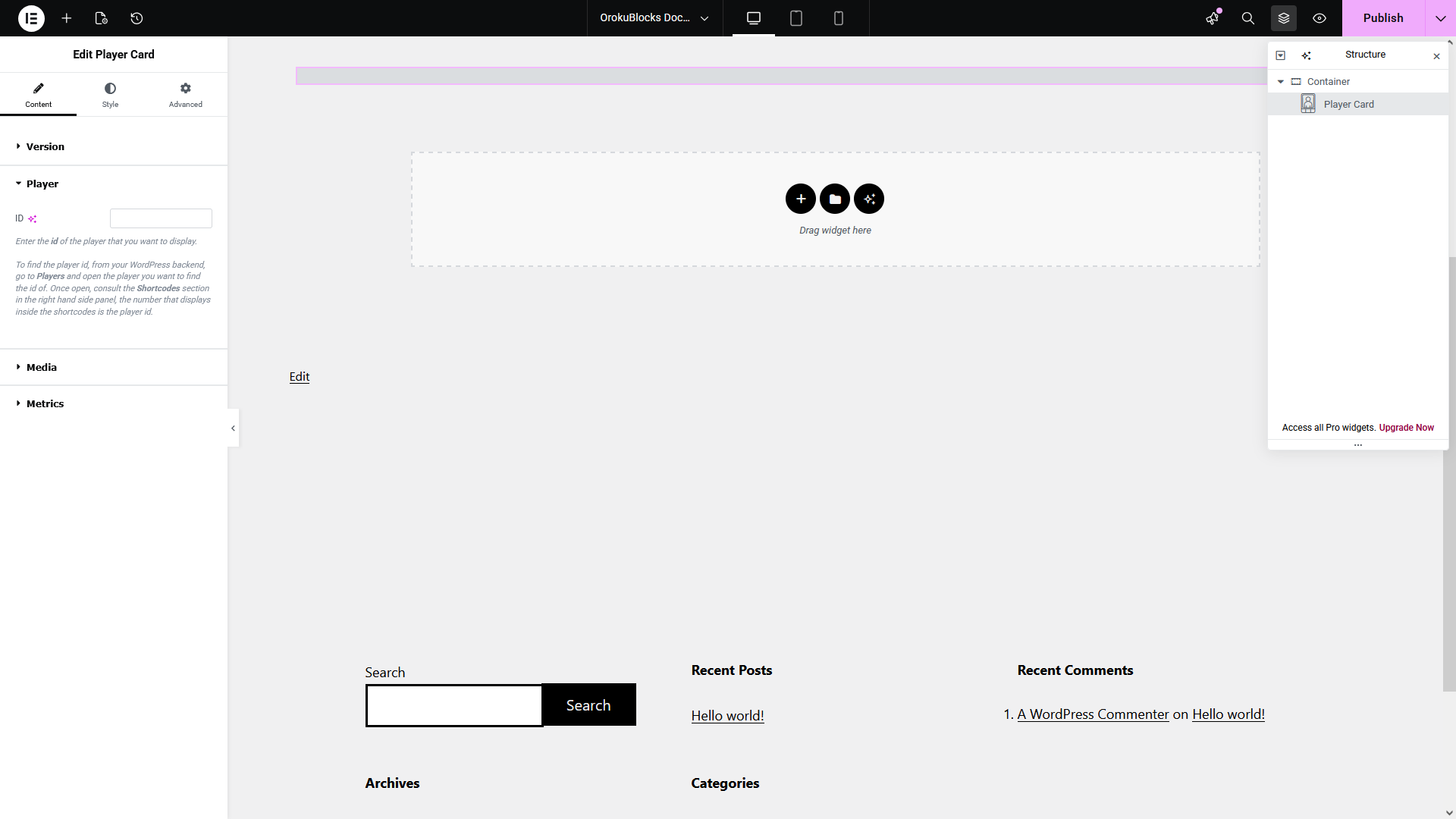
- From your WordPress dashboard, go to Players
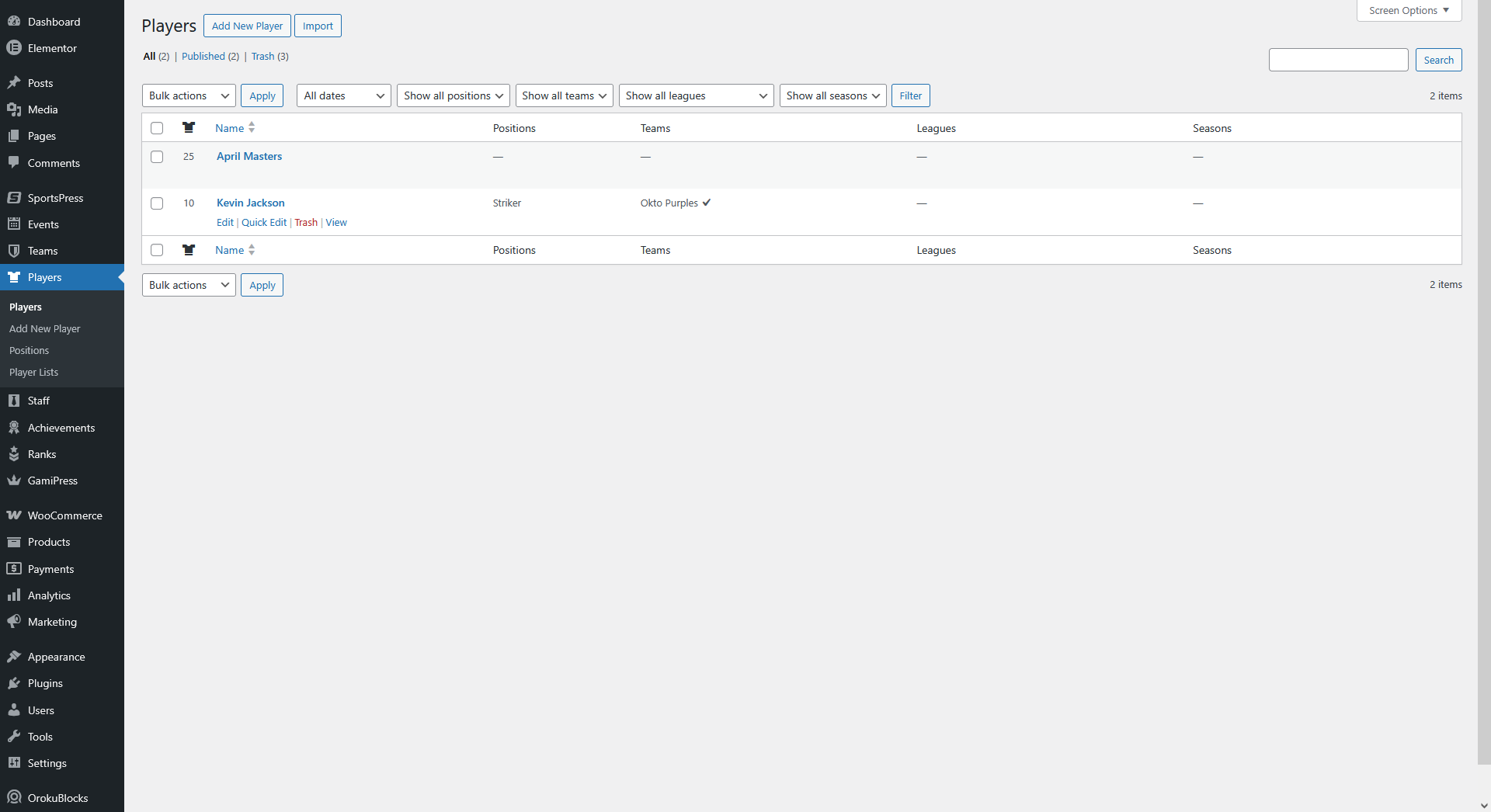
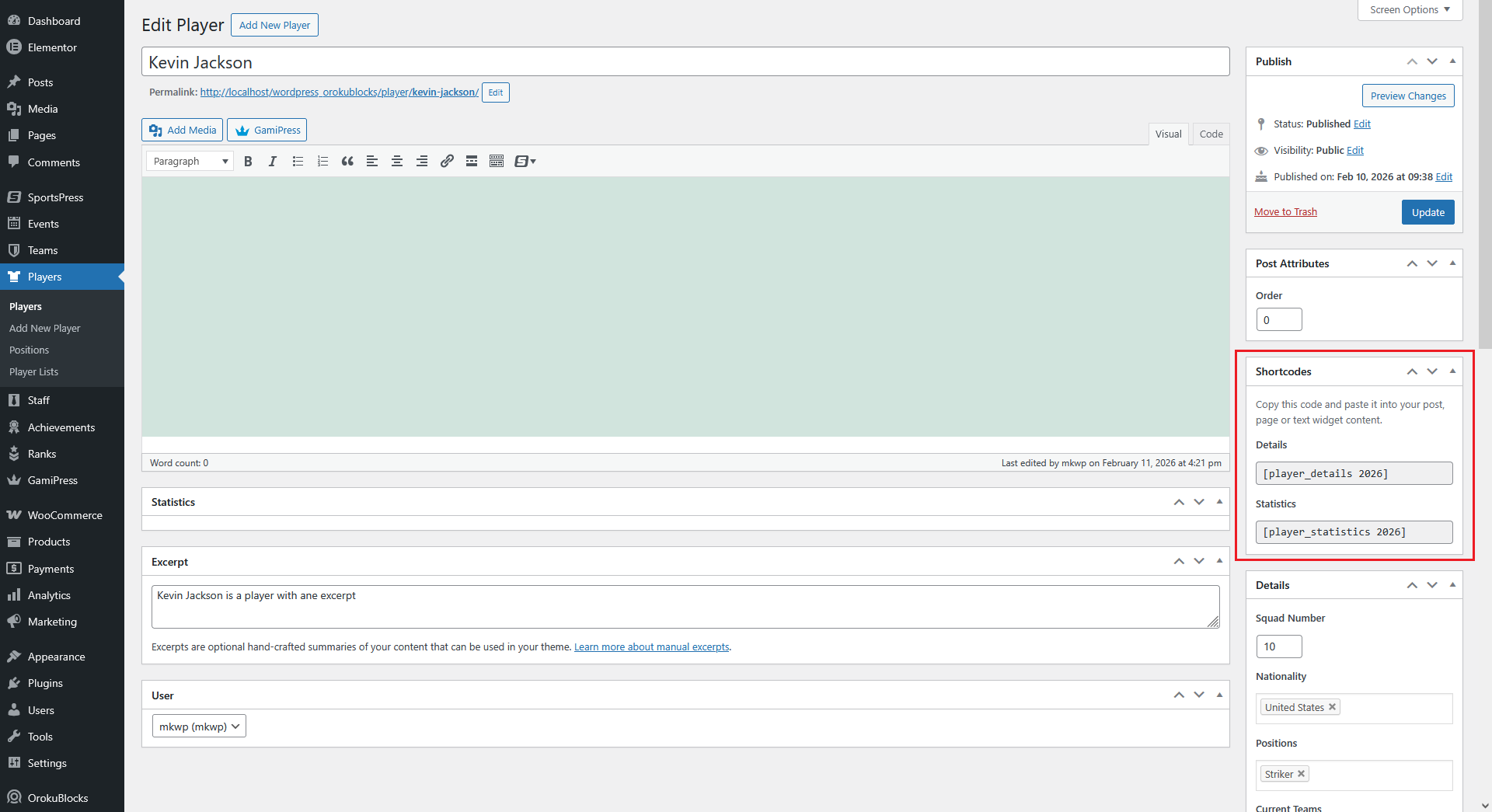
- Open the player you want to find the id of
- Consult the Shortcodes section in the right hand side panel
- The number that displays inside the shortcodes is the player id
- Go back to your widget
- Enter the player id in the ID field
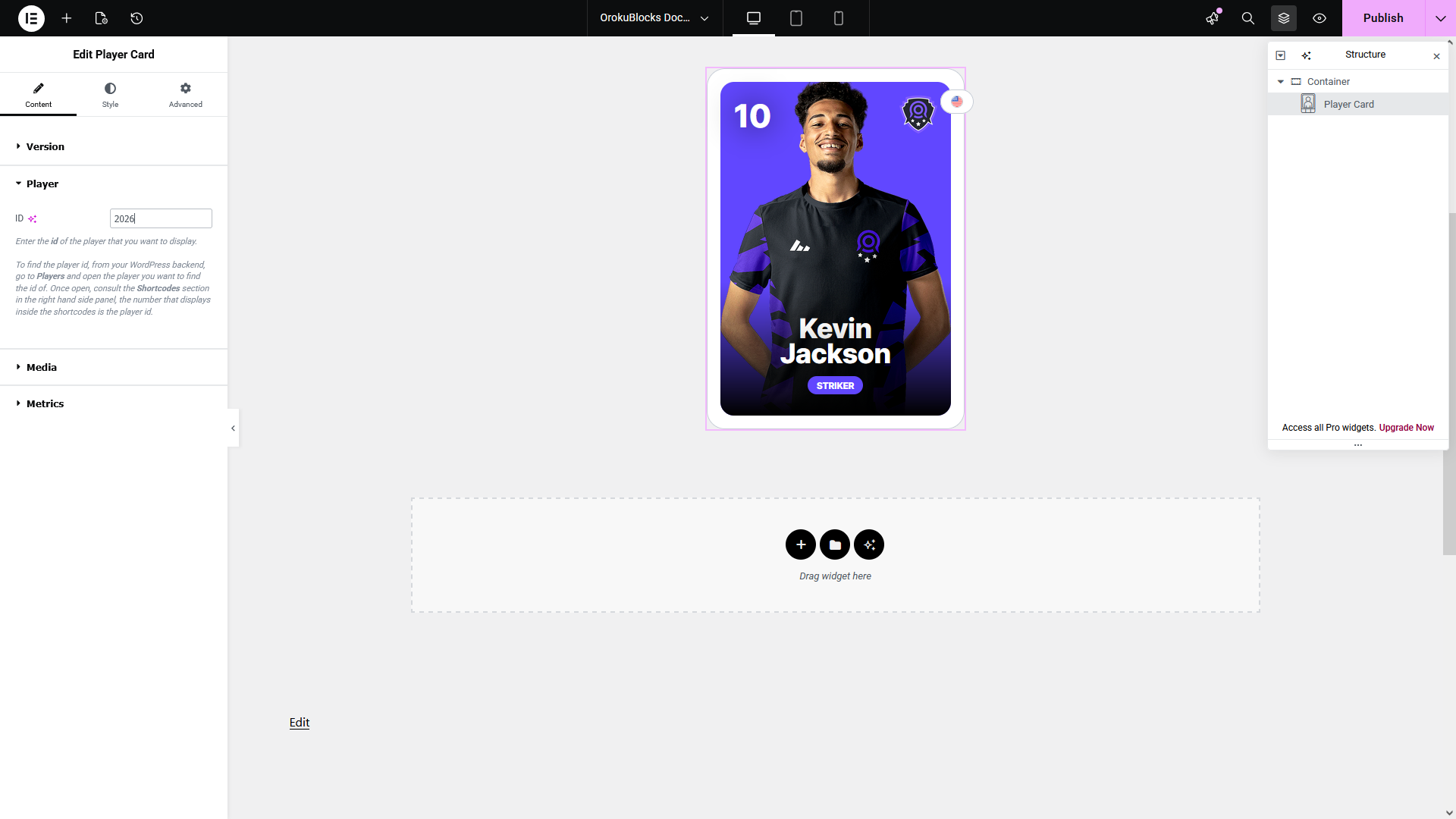
- If you enter the value incorrectly or the player doesn't exist, an error message will be displayed
Options
Widget customization
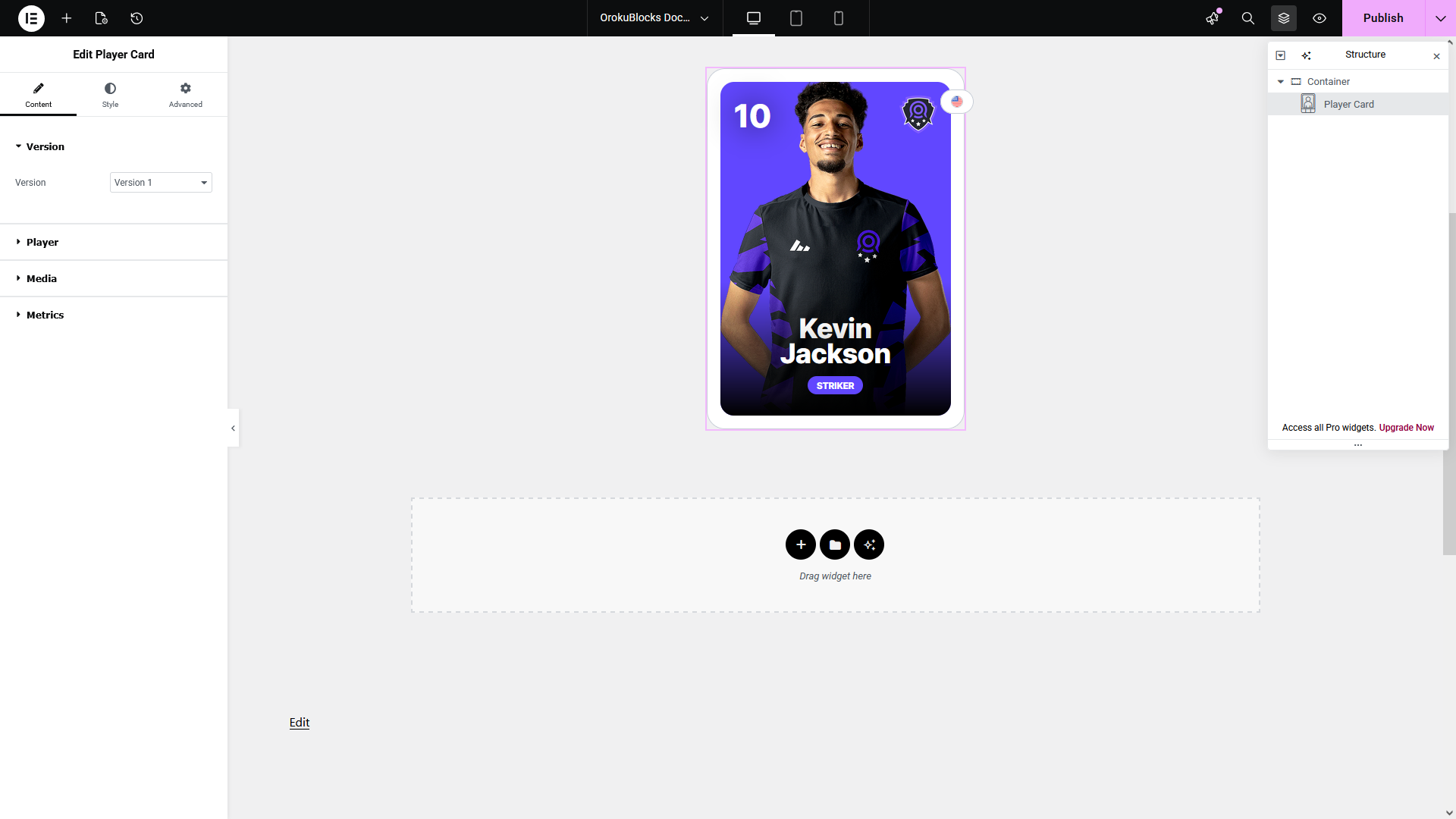
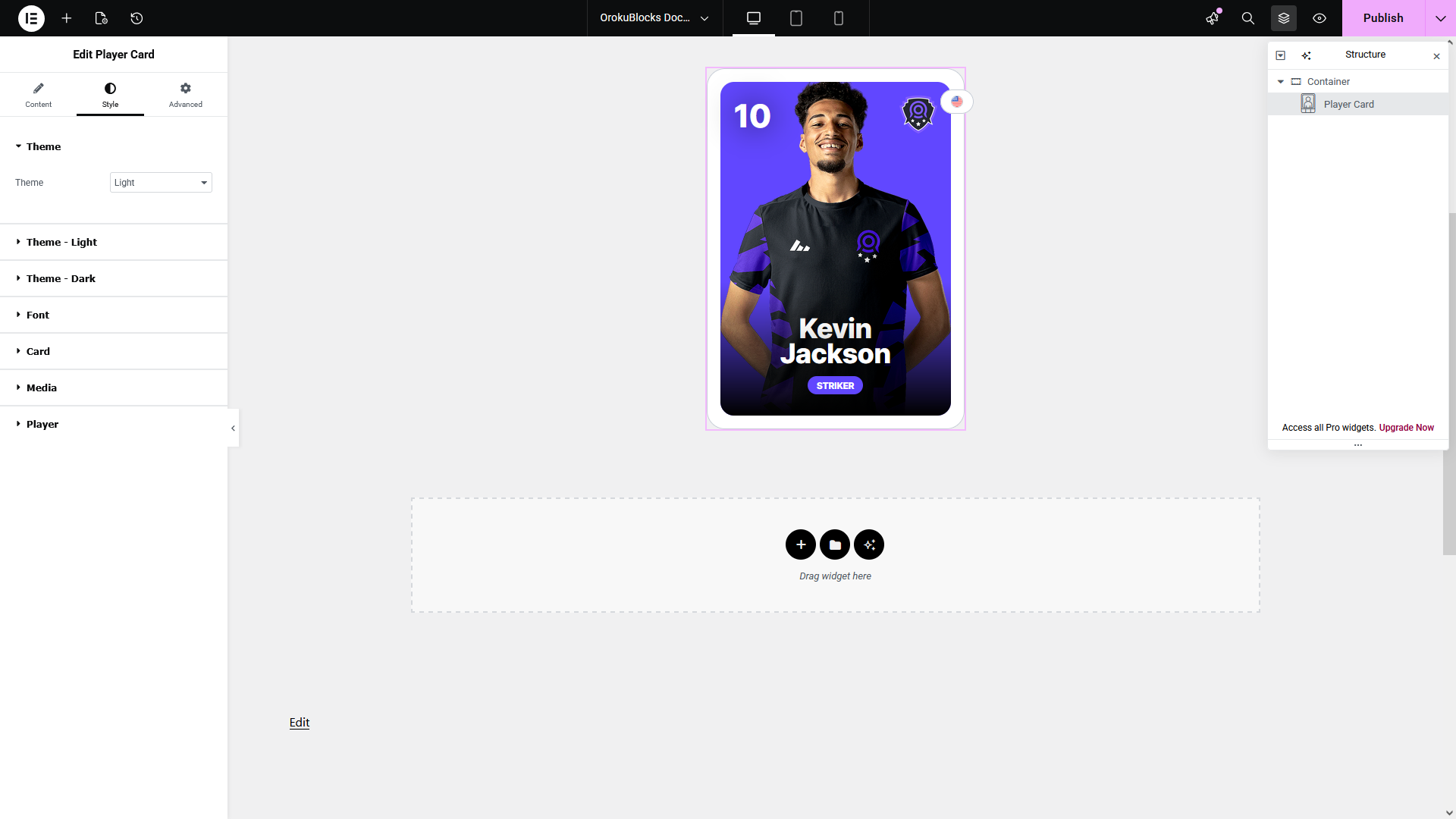
In the following section you can see a preview of how this widget and its option categories and groups display on the Elementor page builder.
Content
Style
Display Player Metrics
In order to display metrics in the widget, you need to first create them via the SportsPress plugin options and assign a value to them for each player:
Create the metric
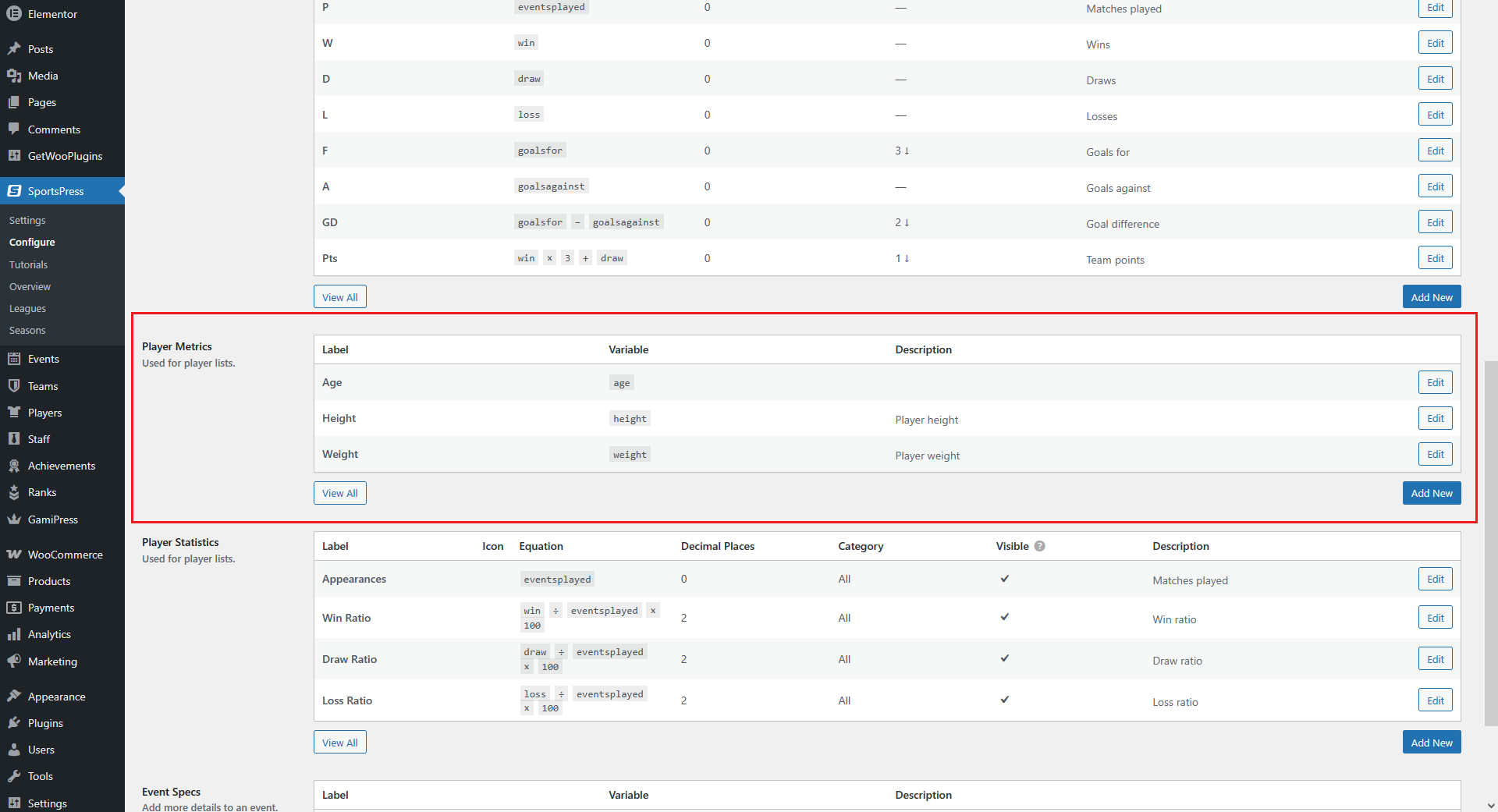
- From your WordPress dashboard, go to SportsPress > Configure
- Scroll down until you find the Player Metrics table
- Edit or create your custom metrics
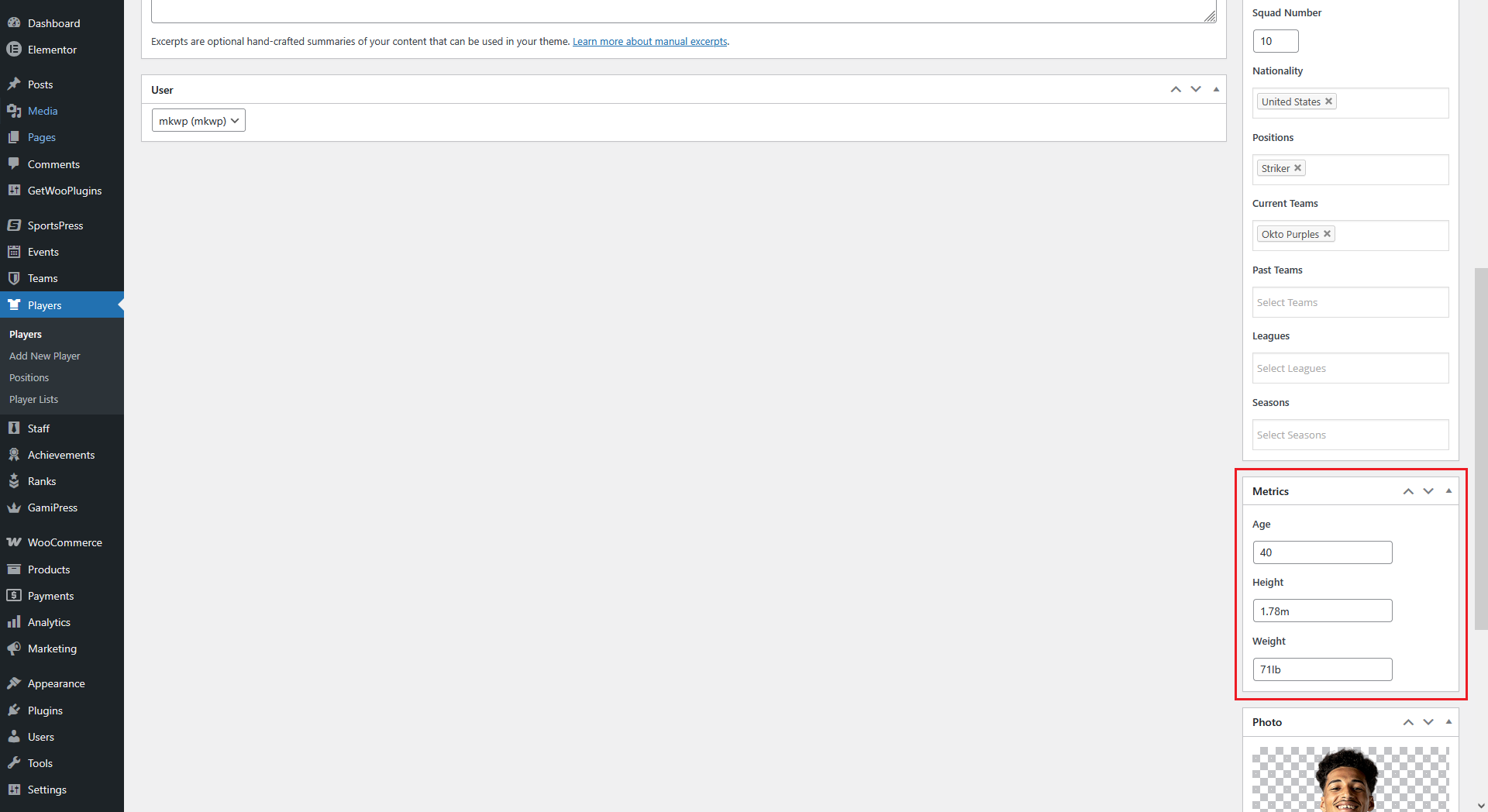
Assign a value to the metric
- From your WordPress dashboard, go to Players
- Open the player you want to customize
- Scroll down until you find the Metrics section in the right hand side panel
- Enter a value for your metrics
Display the metric in the widget
- Go back to your widget
- Open the Metrics option group
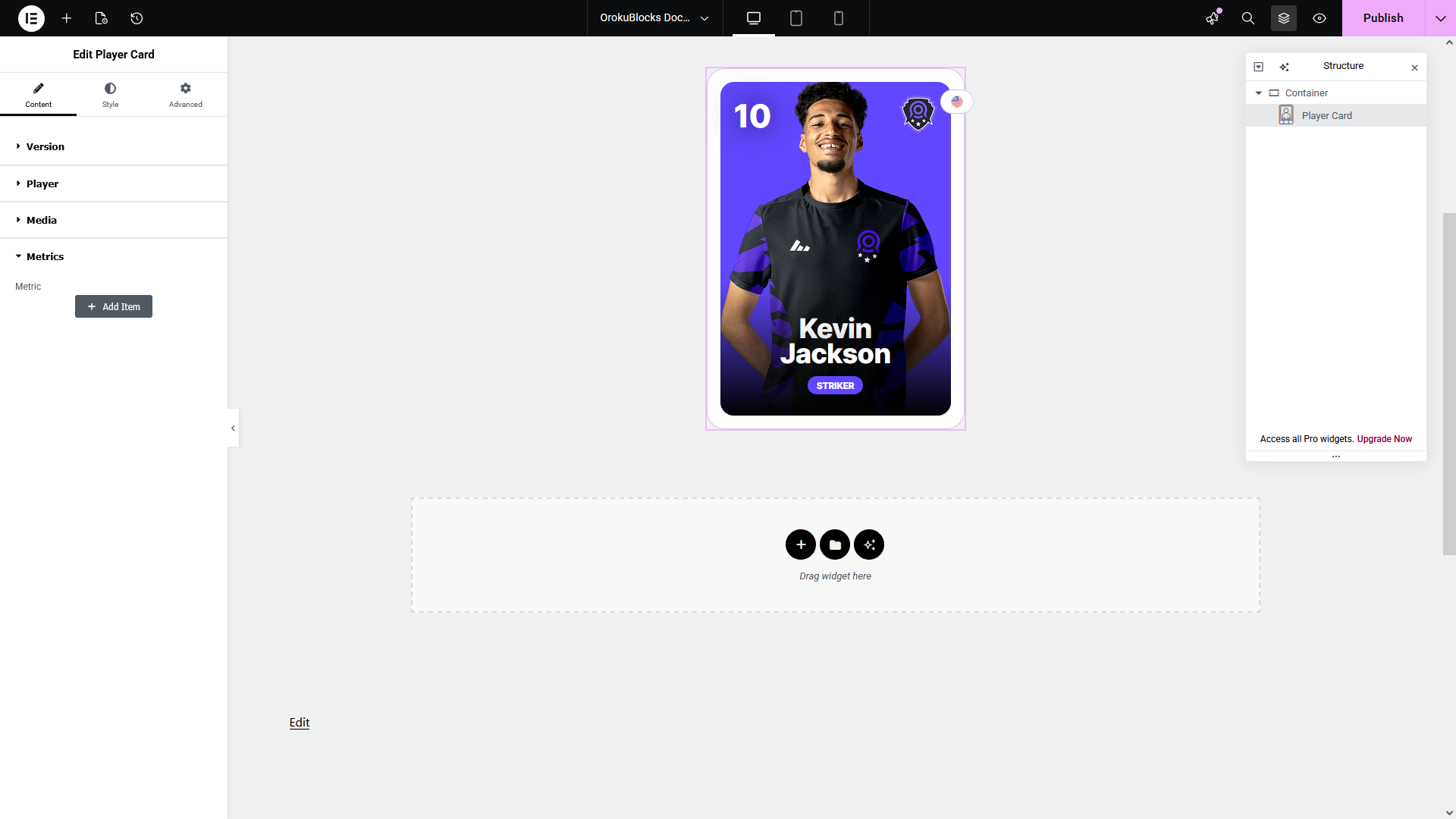
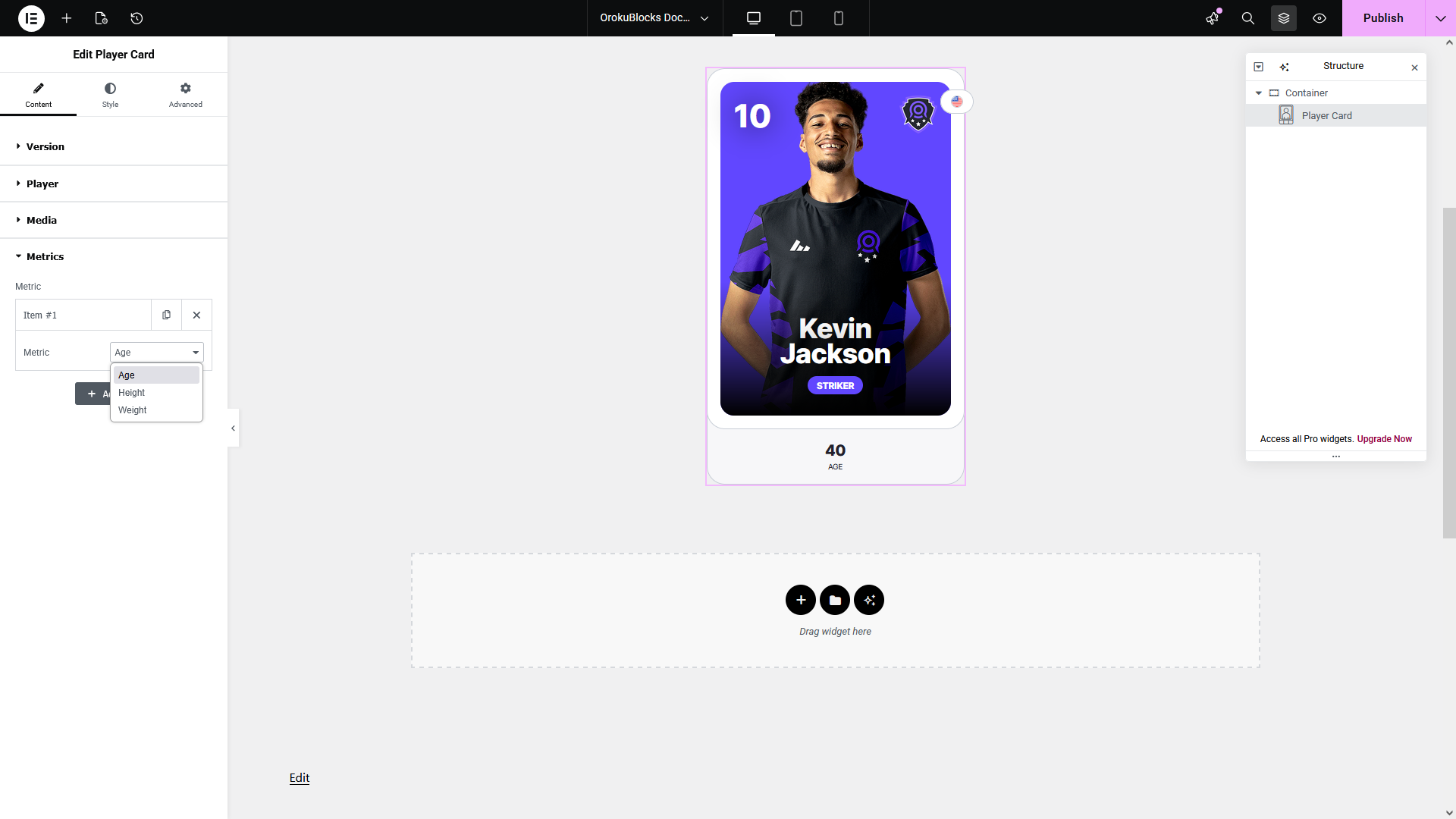
- Click Add Item to display a new metric
- Select the Metric from the dropdown
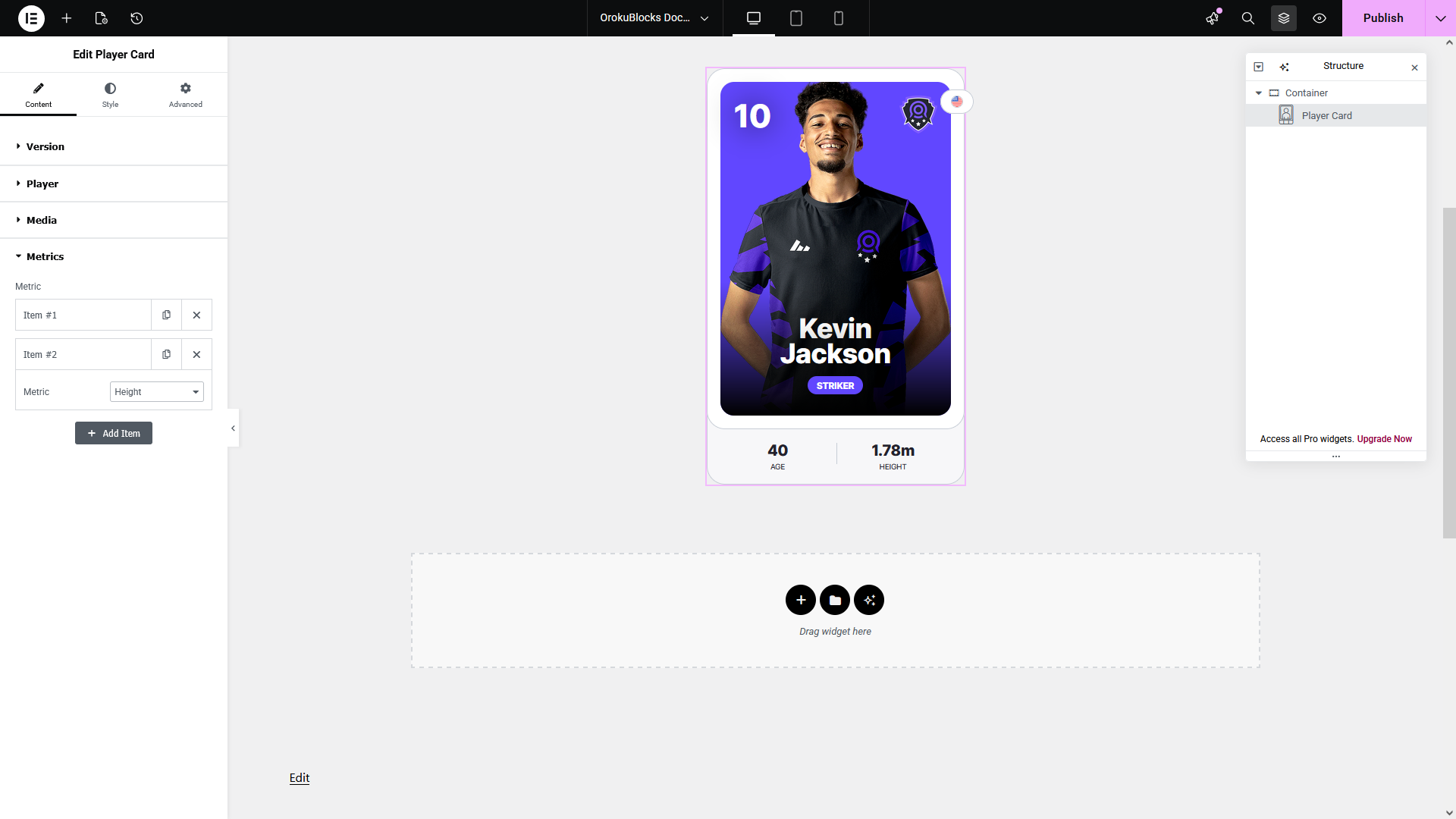
- You can add more than one metric, the maximum recommended to display is 3 metrics.
Demo
We have a demo of this widget for each of its versions that also includes controls for changing between the light and dark theme variants.